⚝ FREE WORLDWIDE EXPRESS SHIPPING ⚝


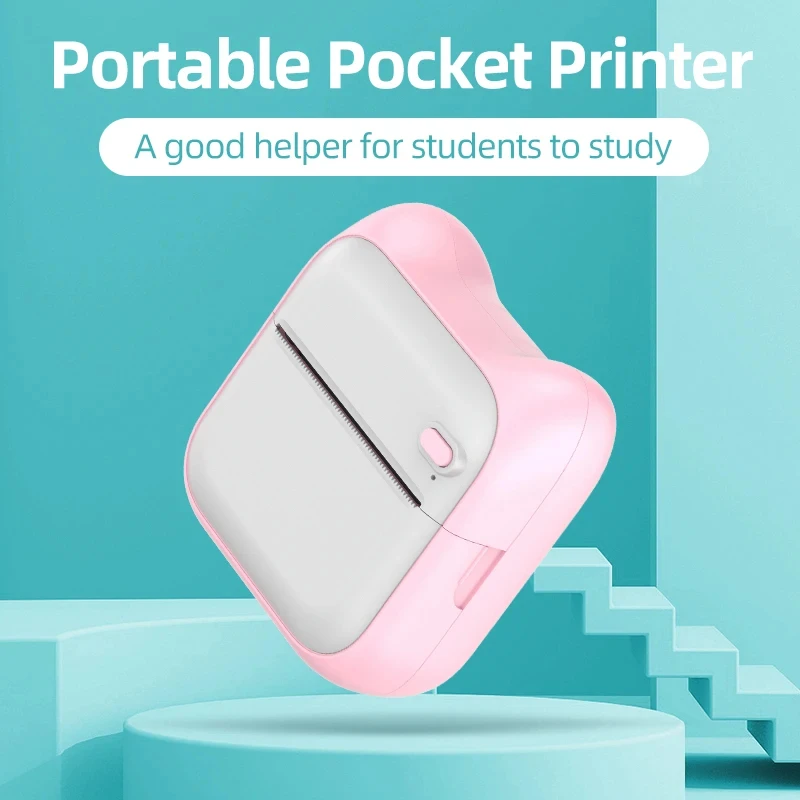
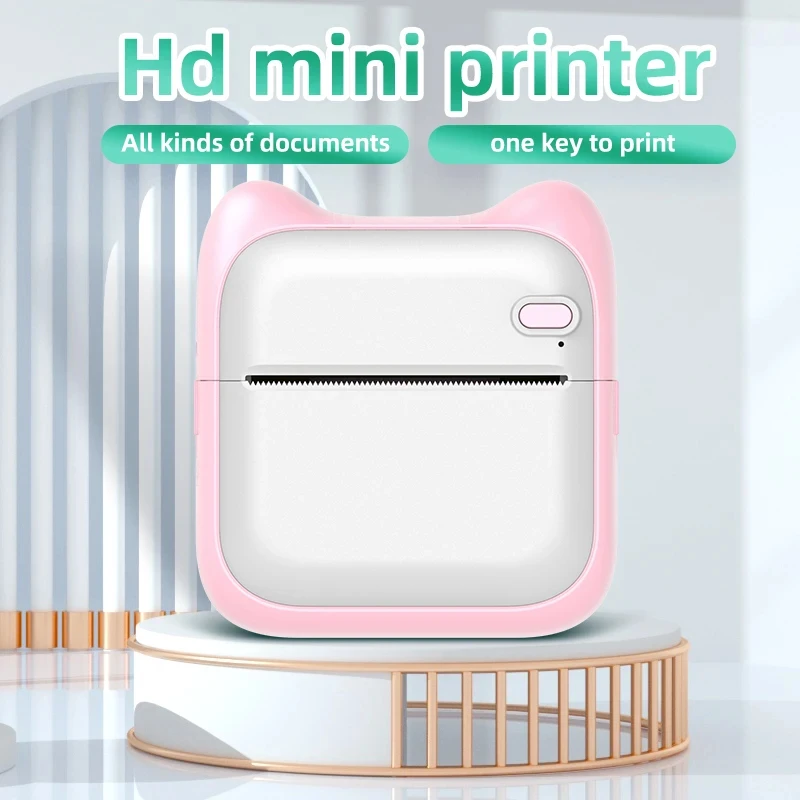
Portable MINI Printer
$8.99 USD$9.09 USD
Color: 3-Color-Paper


Product Details
Portable MINI Printer: A Comprehensive Overview
This document details the features, functionalities, and operational procedures of the Portable MINI Printer, a compact and versatile device for on-the-go printing.
Product Overview
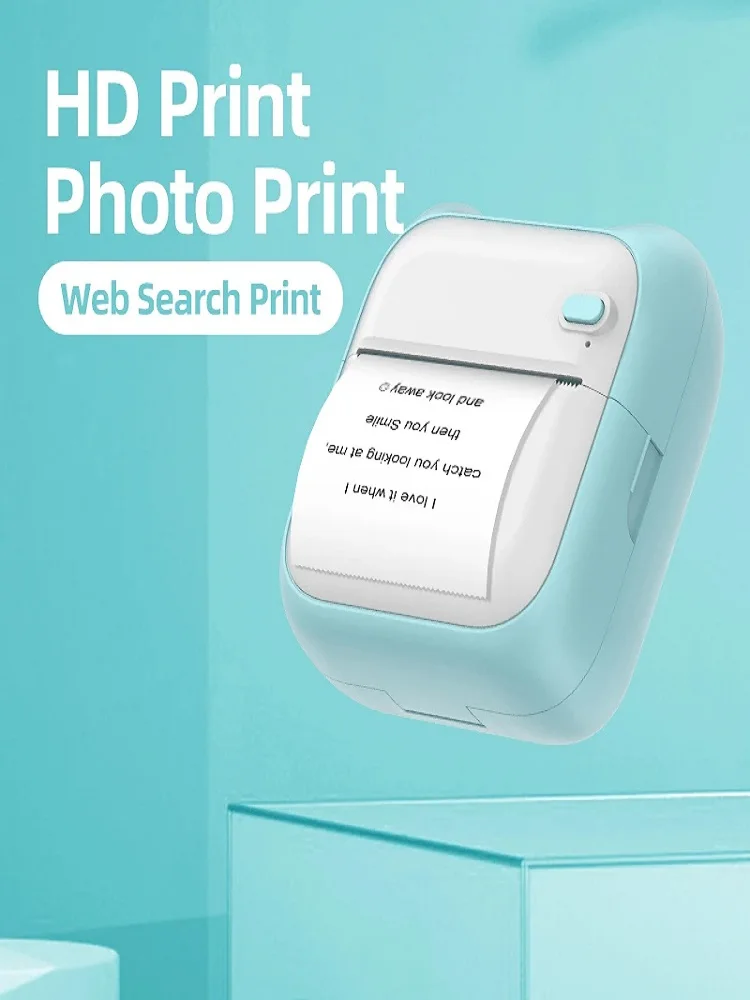
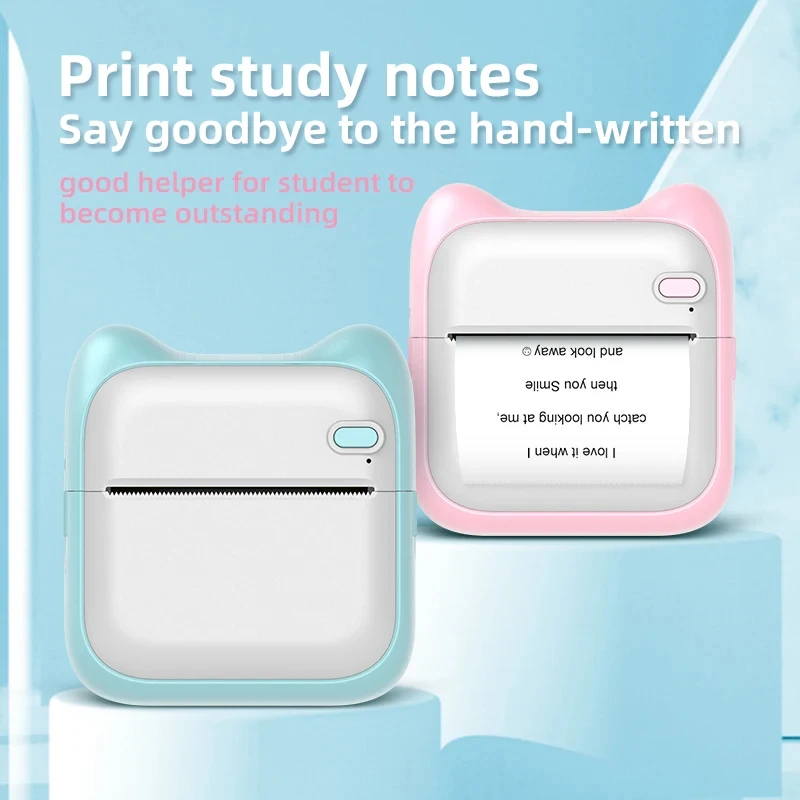
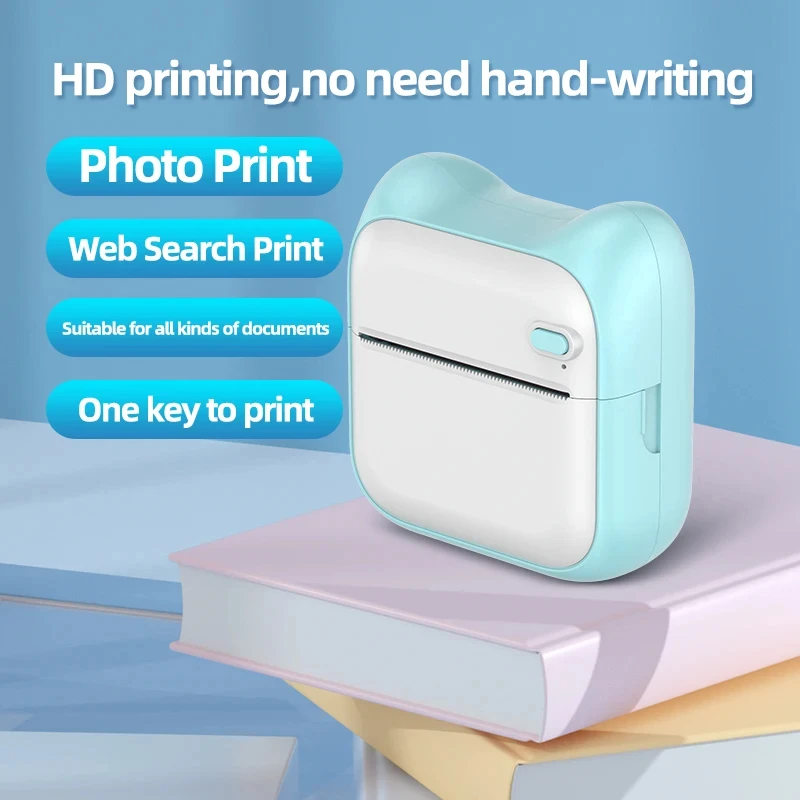
The Portable MINI Printer is a portable, thermal printing device designed for a variety of applications, including label creation, personalized note printing, photo reproduction, and more. Its compact size and ease of use make it an ideal companion for individuals and businesses requiring fast, convenient, and cost-effective printing solutions. The device's lack of ink cartridges ensures a low cost of operation and minimal maintenance demands.
Key Features and Specifications
The MINI Printer boasts a range of notable features that contribute to its user-friendly design and broad application spectrum.
Printing Technology: The printer employs a thermal printing method, utilizing heat to directly transfer an image onto specially designed thermal paper. This eliminates the need for ink cartridges, reducing costs and the environmental impact associated with ink disposal.
Resolution and Output Quality: The 203dpi resolution ensures a crisp and clear output, suitable for various printing requirements. Due to the thermal printing process, the achievable quality is not comparable to inkjet printing but remains suitable for many user needs.
Connectivity and Compatibility: The printer connects wirelessly to mobile devices via Bluetooth BLE4.0. This advanced technology facilitates seamless printing without the constraints of cables or physical connections. Support for both Android and iOS platforms ensures widespread compatibility. The "Fun iprint" app, conveniently available through Google Play (Android) and the application market (iOS), acts as a crucial interface to manage and control the printing process.
Supported Languages: Multilingual support is a defining characteristic, facilitating global use. The device readily supports multiple languages, including Chinese, English, Korean, Japanese, Spanish, Portuguese, Russian, German, Italian, and Thai, expanding its potential user base and applications.
Print Media: The printer operates effectively with standard thermal paper, ensuring convenient accessibility for replacement media. Predefined paper dimensions simplify the process, promoting ease of use.
Print Applications: The printer's versatile capabilities encompass a wide array of uses. Users can print labels, personalized messages, receipts, schedules, charts, QR codes, and photos. The device is suited to hobbyists, educational institutions, businesses, and individuals involved in creative endeavours or who need to document information on the go.
Printer Setup and Connection
Prior to initiating printing operations, ensure the Bluetooth function on your mobile device is enabled and the printer is powered on. The "Fun iprint" application (downloaded per operating system) acts as a crucial intermediary between the mobile device interface and the printer. The application will guide the device pairing process.
Successful connection to the printer will be immediately ascertained through visual cues and prompts from the application.
Printing Process
The user interface within the application is designed for intuitive navigation. Steps for printing are clearly illustrated below.
- Open the "Fun iprint" application.
- Select the desired printing content.
- Confirm the printing parameters.
- Initiate the print job.
A confirmation message should appear on the display to indicate the print job initiation.
Application Functionality
The "Fun iprint" app offers more than rudimentary printing functionality. It presents a platform for intricate print design. Some anticipated functionalities include but are not limited to.
- Customization options: Users expect features to allow for font selection, size adjustments, margins alterations, and layout design to personalize their documents.
- Image editing: The app must allow users to manipulate incoming digital images before sending them to the printer, to adjust brightness, contrast, and other aspects.
- Document templates: Pre-made templates for common documents, including labels, invoices, and receipts should be available to expedite the creation of print material.
Maintenance and Troubleshooting
A comprehensive troubleshooting section within the application is key. Potential issues that users could encounter, such as failed connections or print quality issues should be addressed within the application. User-friendly guides should be easily accessible within the application for reference.
Consumables
The printer uses a standard 57mm x 30mm thermal paper roll that is readily available in the market and conforms to the universal industry standards.
Product Limitations
While the Portable MINI Printer offers versatility, some limitations should be acknowledged. The thermal printing approach limits the print colour gamut. The quality of the output may not match that of inkjet printing for complex image outputs.
Conclusion
The Portable MINI Printer presents a robust and adaptable solution for diverse printing needs. Its intuitive design, ease of use, and multilingual support ensure its appeal to users worldwide. The application-based system for operation fosters control and design flexibility, while minimal maintenance expenses ensure continuous use. The printer's application versatility and support for specific content types such as QR codes add to its viability for use in various scenarios.
Worldwide Free Shipping
Over 4 Million Happy Customers
Award-Winning Customer Support

Share on: